
How to: Schedule Work
There are two types of schedules for maintenance items: one time and recurring.
For recurring maintenance, please see the Schedules section under View Maintenance.
There are two places to schedule a one time maintenance item, in the required maintenance list, or in view maintenance for the item.
If you click on the folder next to a one time maintenance item, the option to Schedule Maintenance will be there.
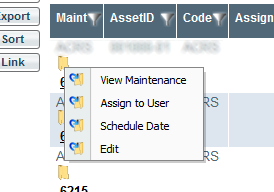
Left clicking will open the Schedule Maintenance Dialog.
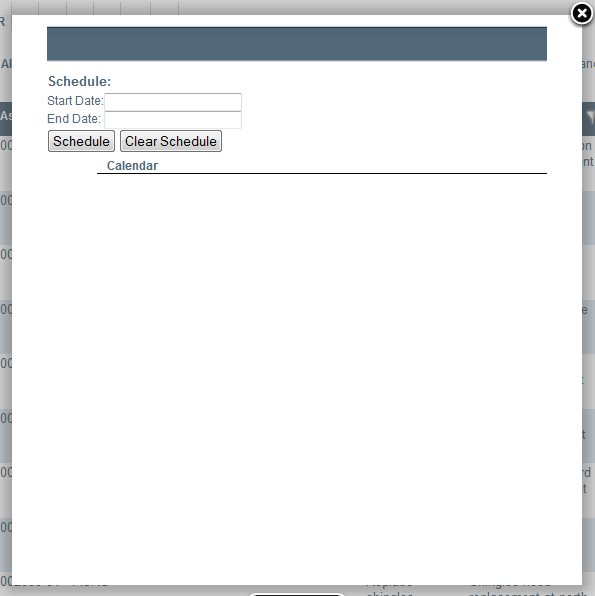
Enter the start and end date for the Maintenance Item and click Schedule.
The option to clear an existing Schedule also exists. It is not necessary to clear an existing schedule before entering a new schedule.