
View Maintenance: Reports
Step 1: Select the Maintenance Item
Go to "View Maintenance" of the particular maintenance item you wish to view/edit lists for.
Step 2: View Reports
The reports section is a list of all historical and active reports that have been opened for this maintenance item. In the case of a one time maintenance, there will be only one report however when the item is a recurring maintenance there will be a report for each report that has been completed or assigned.
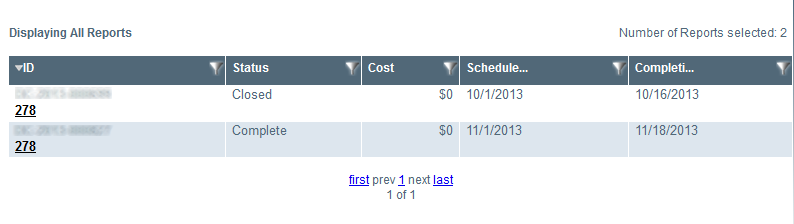
Image title