
View Maintenance: Parts
Step 1: Select the Maintenance Item
Go to "View Maintenance" of the particular maintenance item you wish to view/edit parts for. Parts entered here will show up on every occurrence of the maintenance.
Step 2: View and Add Parts
This view will display all parts related to the selected maintenance item.
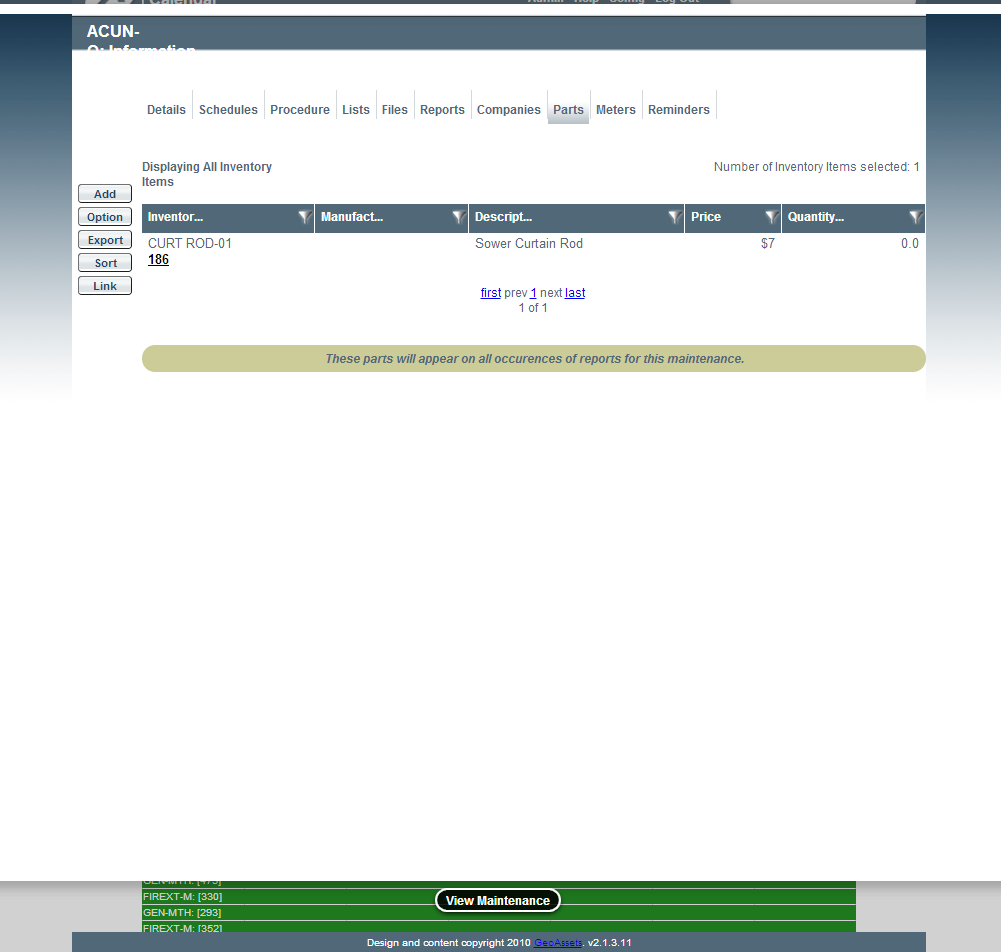
Image title
If you want to add a part, you can select the "Add" action button.

Image title
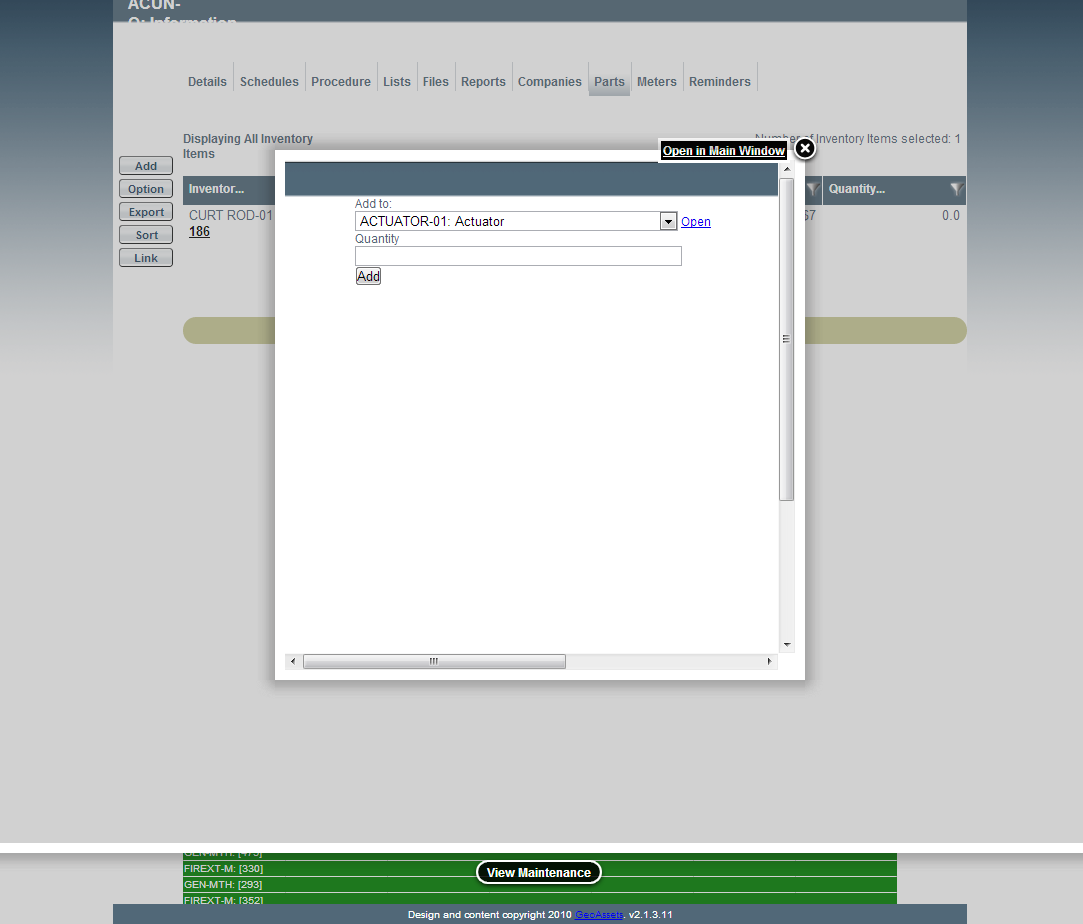
Image title
Fields
- Quantity: The number required of the part for this work.