
View Maintenance: Meters
Step 1: Select the Maintenance Item
Go to "View Maintenance" of the particular maintenance item you wish to view/edit lists for.
Step 2: View, Edit and Add Meters
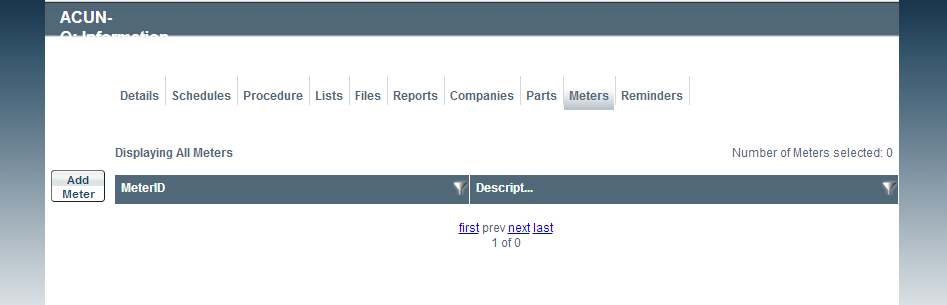
Viewing Meters
To edit details of the listed meters, simply click the Meter ID to view meter details, from here click "Edit" button on the far left of the page, and fill accordingly.
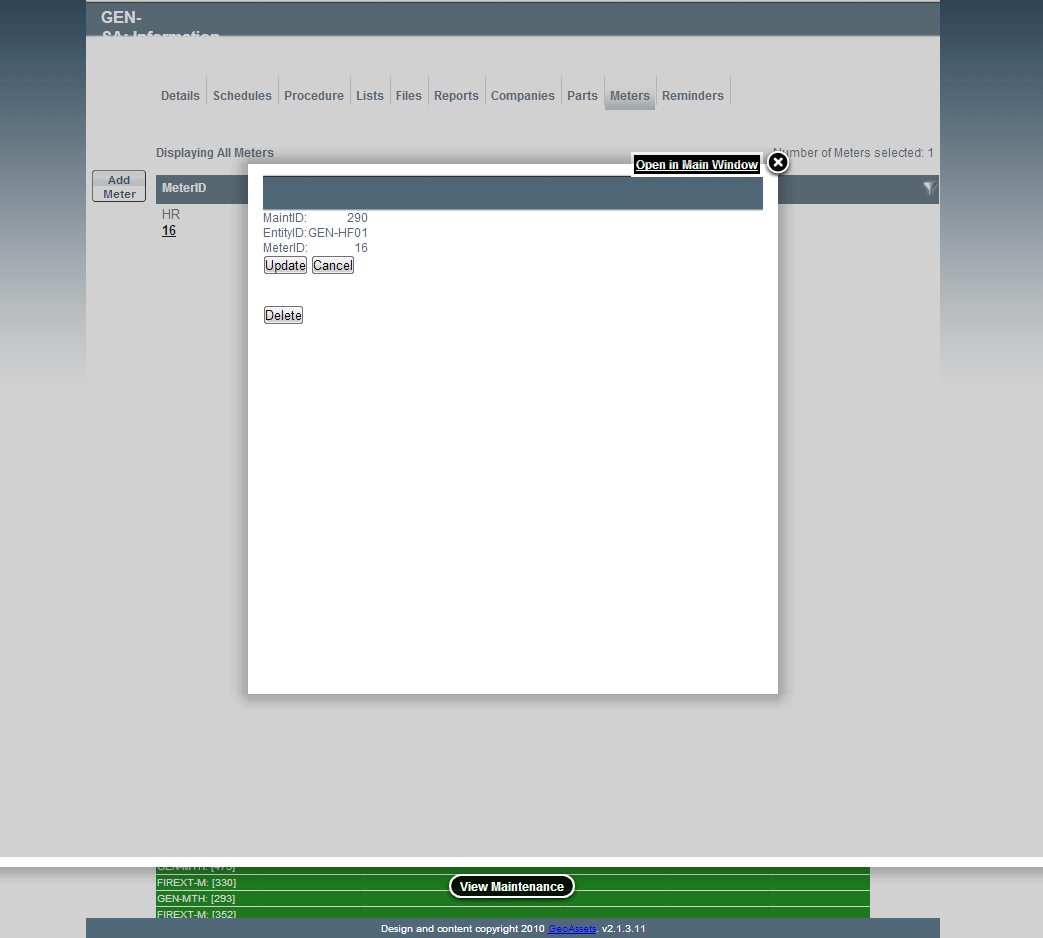
Editing Meter Details
Meters can also be added to each maintenance item by selecting the "Add Meter" button.
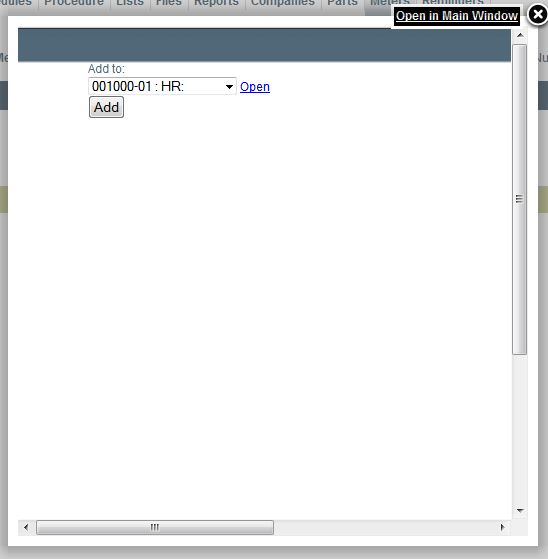
Adding a Meter
To add a new meter, you have to add the meter to the asset that the maintenance is attached to. To do that, go to the Asset Information (via the Asset Table), go to the Meters Tab and click "Add Meter"
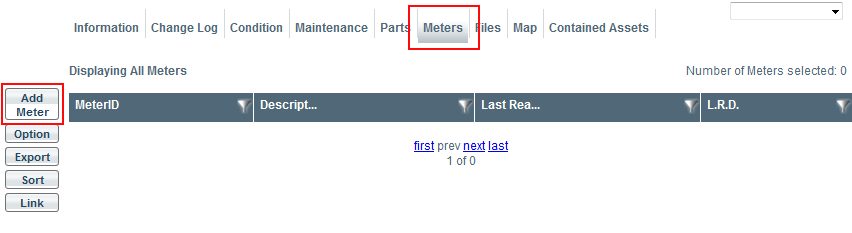
Image title
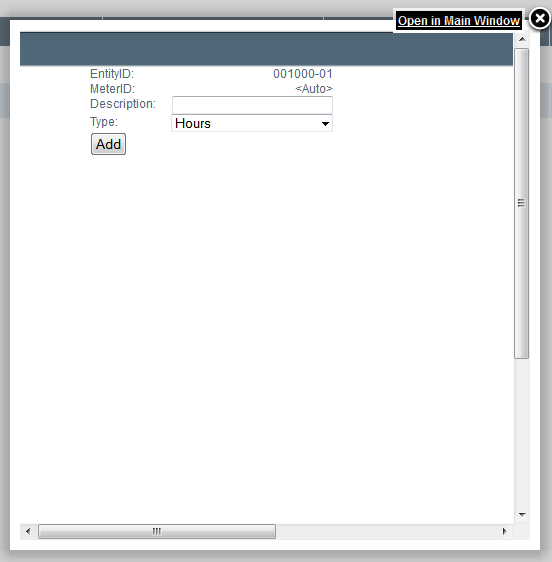
Image title
Fields
- Description: The name or identification of the meter.
- Type: The type of meter. ex: Hours, PSI