
View Maintenance: Files
Step 1: Select the Maintenance Item
Go to "View Maintenance" of the particular maintenance item you wish to view/edit lists for.
Step 2: View and Add Files
In the "Files" tab all currently saved files attached to this particular maintenance item can be viewed here.
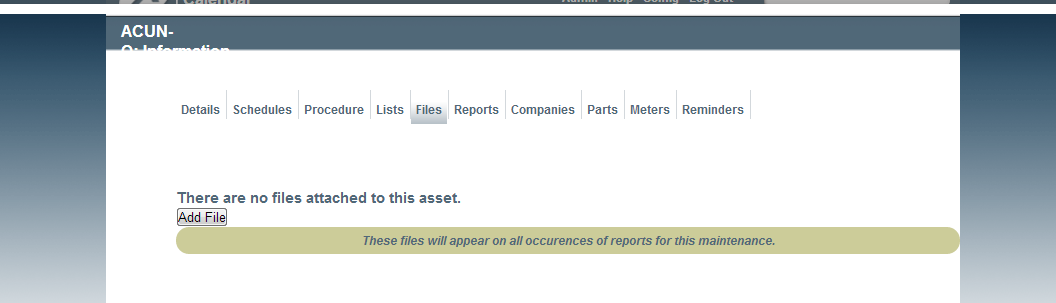
Viewing Files
In addition, files can be uploaded by selecting "Add File" button. From here files can also be linked to the item.
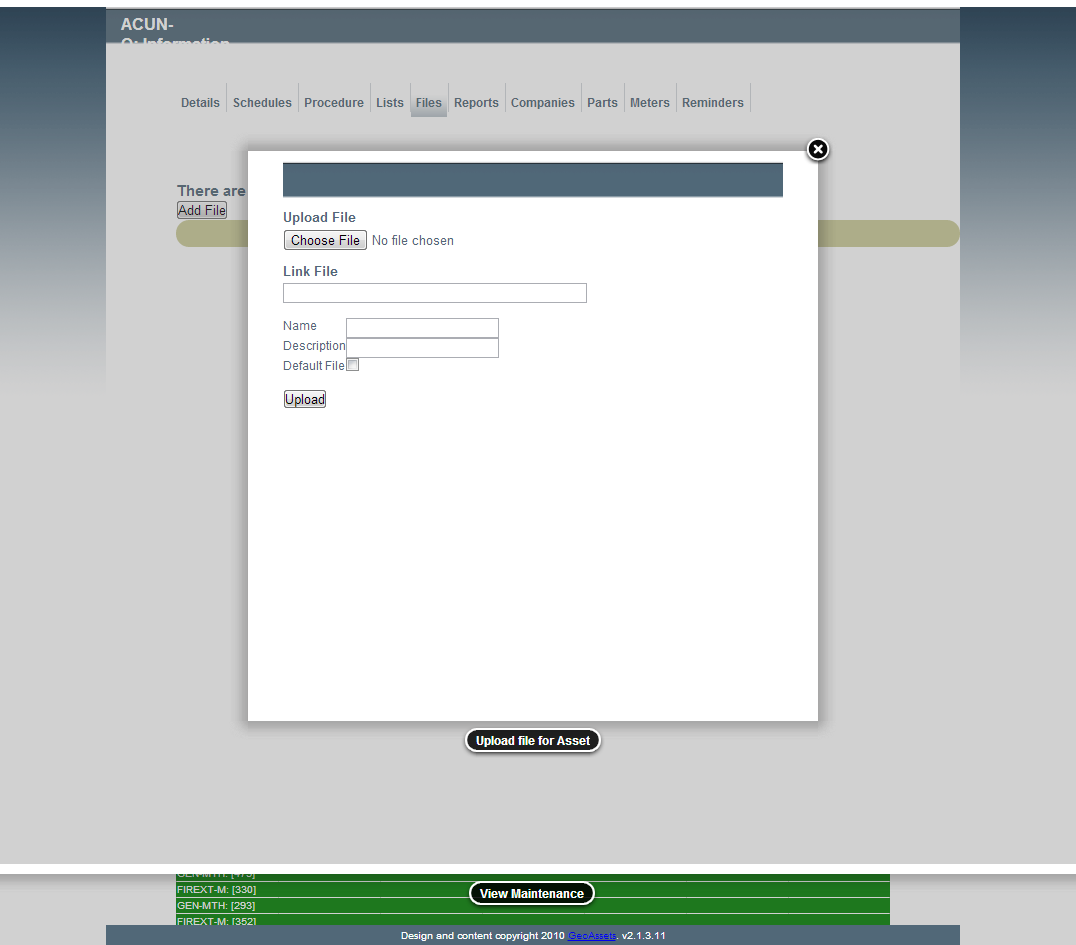
Uploading a File