
View Maintenance: Details
Step 1: Select the Maintenance Item
Go to "View Maintenance" of the particular maintenance item you wish to view/edit lists for.
Step 2: View and Add Details
To add details to the selected maintenance item simply click the "Edit" button on the far left of the page, and fill accordingly.
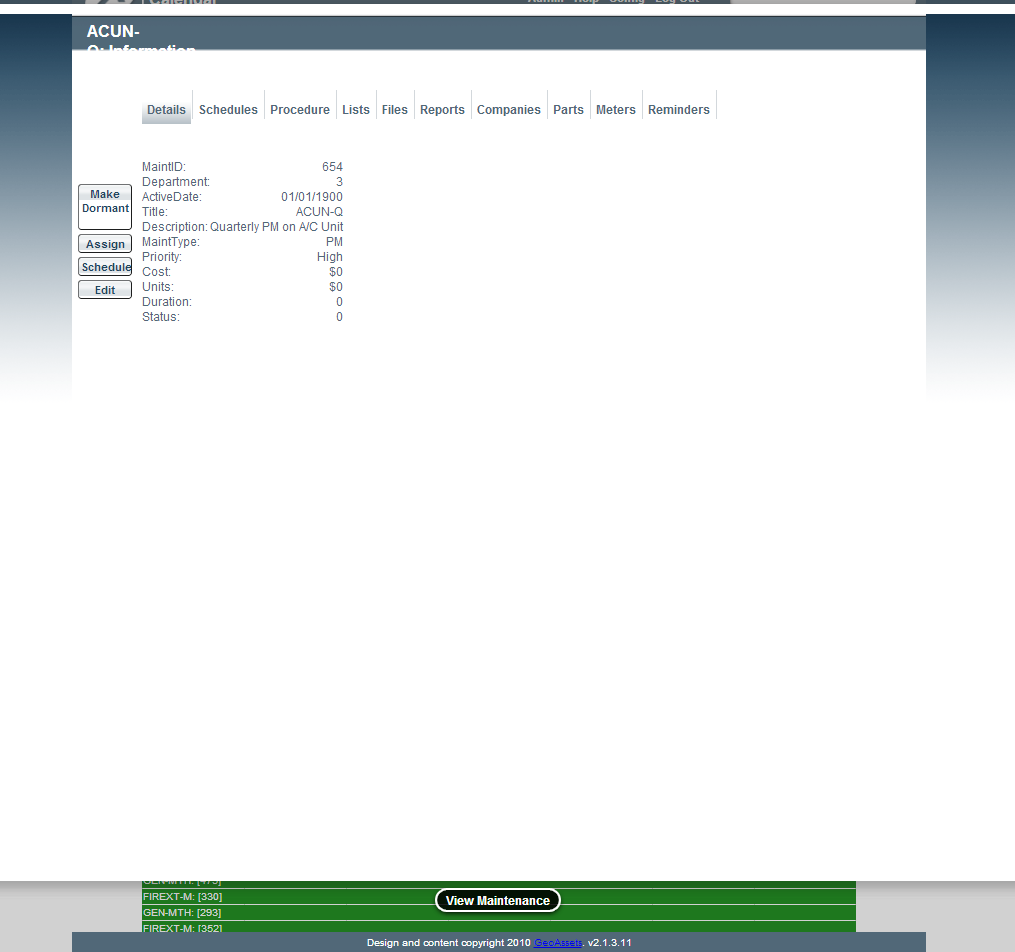
Select Edit
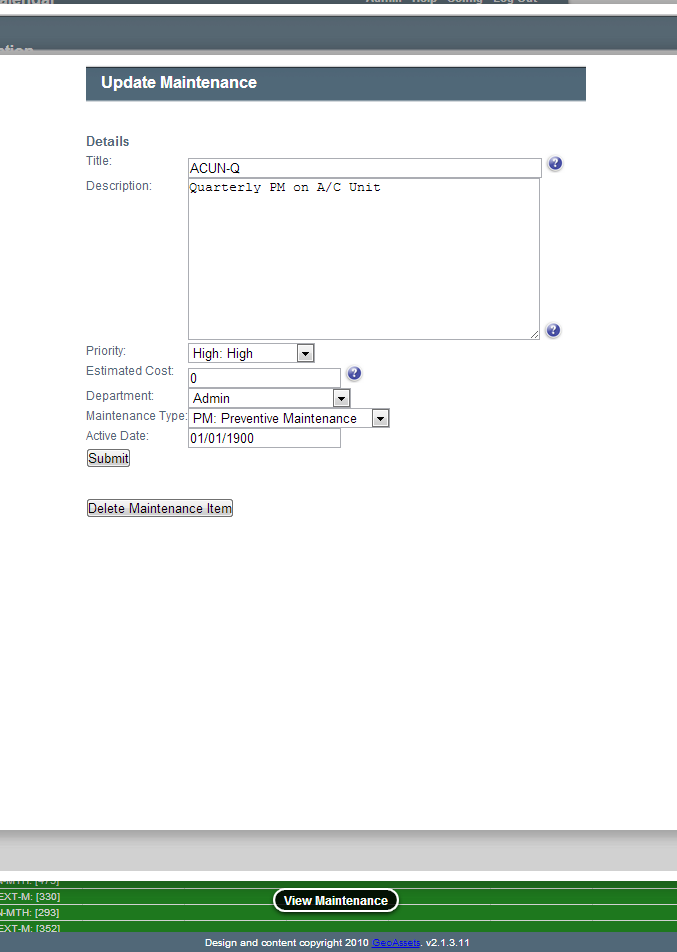
Edit Maintenance Details
Fields
- Title: The name of the maintenance item. This will be how the item appears on the calendar.
- Description: The detailed description of the maintenance item. This will appear on the work order.
- Priority: The importance of this maintenance item.
- Estimated Cost: The approximate cost of the maintenance item.
- Department: The department that will need to perform the work or that the work applies to.
- Maintenance Type: The category or maintenance reason or the maintenance item.
- Active Date: The day which the maintenance becomes active in the system. This date supersedes other dates that apply to the maintenance item including recurring schedules.