
How To: Edit an Asset
Clicking any of the assets will expand the view to show the breakdown of the asset. From this screen the user can also edit the asset by selecting the ‘Edit’ button.
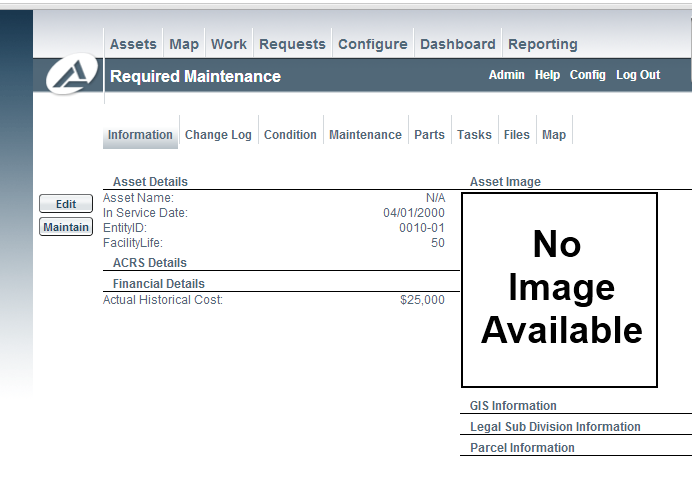
Editing an Asset
Once selected, the information panel will become a series of editable input controls (text boxes, dropdowns etc).
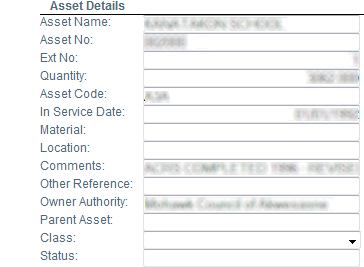
Image title
Simply enter the information you would like to change, and click save at the bottom. If you have changed financial information and would like to recreate the historical financial information, you can select the "Re-create financials" checkbox (this may not be available if you do not have the appropriate permissions).
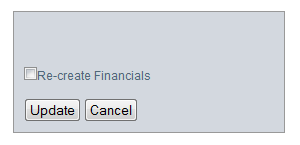
Save
In addition to the typical editing use, there are a number of additional buttons you can select on the left side of the panel:
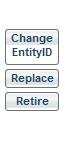
Action Buttons