
Basics
On each page in AssetNav there is a consistent menu structure. Across the top of the page is the main menu. This is the main entry points into the application.
If the page has sub pages, there may be second and third menus as displayed below.
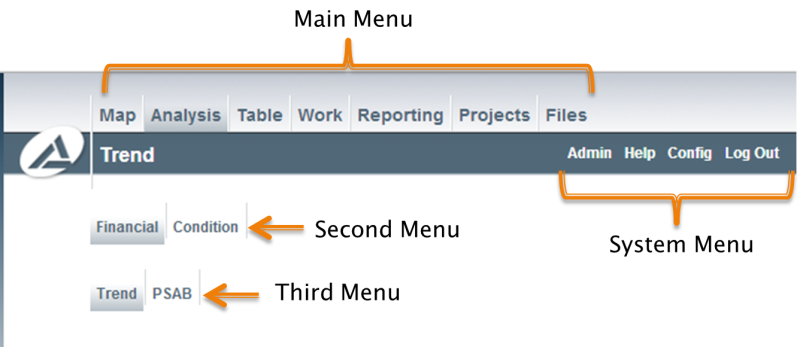
Menus
On each page, if there are action buttons that relate to that page, they will be positioned along the left side as displayed below.
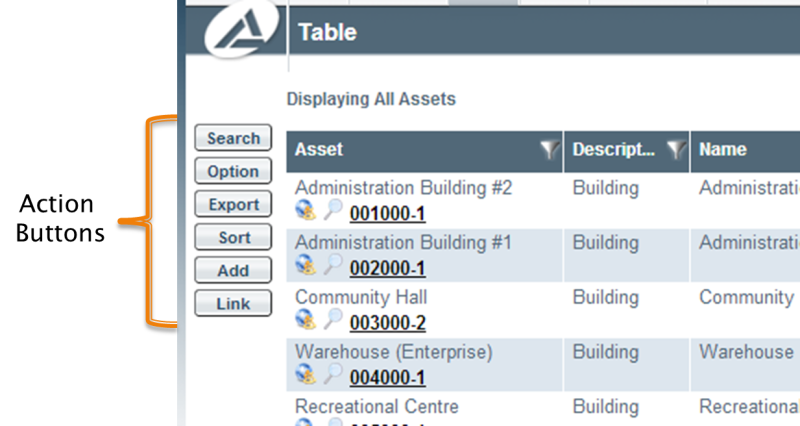
Action Buttons