
Rating Setup
The Rating Setup provides the administrator with the ability to specify the scale used when recording condition-related values. For example, some inspectors record condition using the following system: 1 = Good 2 = Fair 3 = Poor In order for AssetNav to represent the condition using a scale of 1-100% the Rating Setup should define the minimum value used for condition as 1 and the maximum value used for condition as 3. The Rating Setup should also specify “invert” so that 1% reflects a poor condition and 100% reflects a good condition.
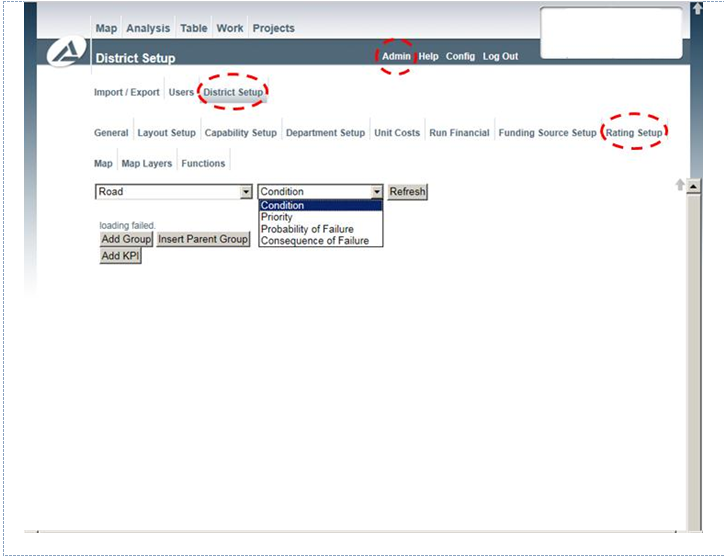
Rating Setup