
Dashboard
There are a number of available dashlets that you can have on your dashboard.
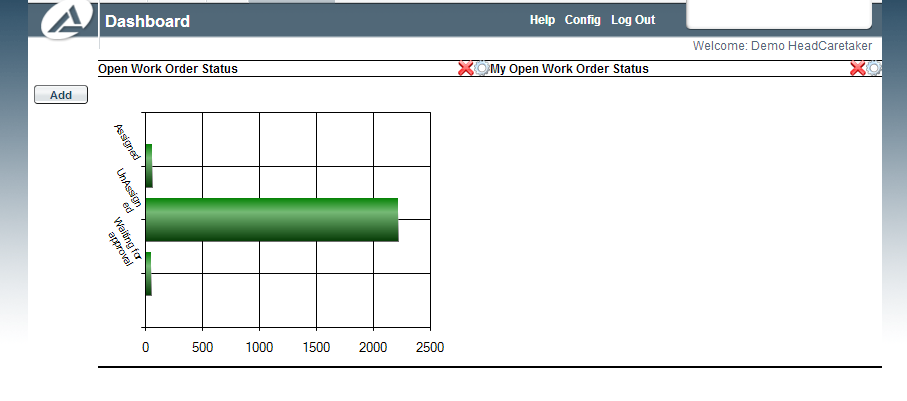
Dashboard
These can be accessed by the "Add" button on the left hand side of the screen.
You can add any number of dashlets, including duplicates of dashlets that you already have on your dashboard.
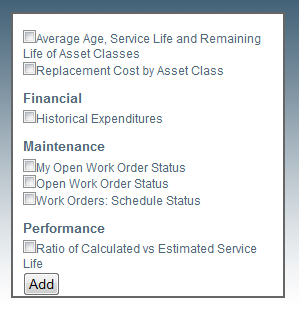
Add Dashlet
You can drag and drop your dashlets to move them to different locations on the dashboard.
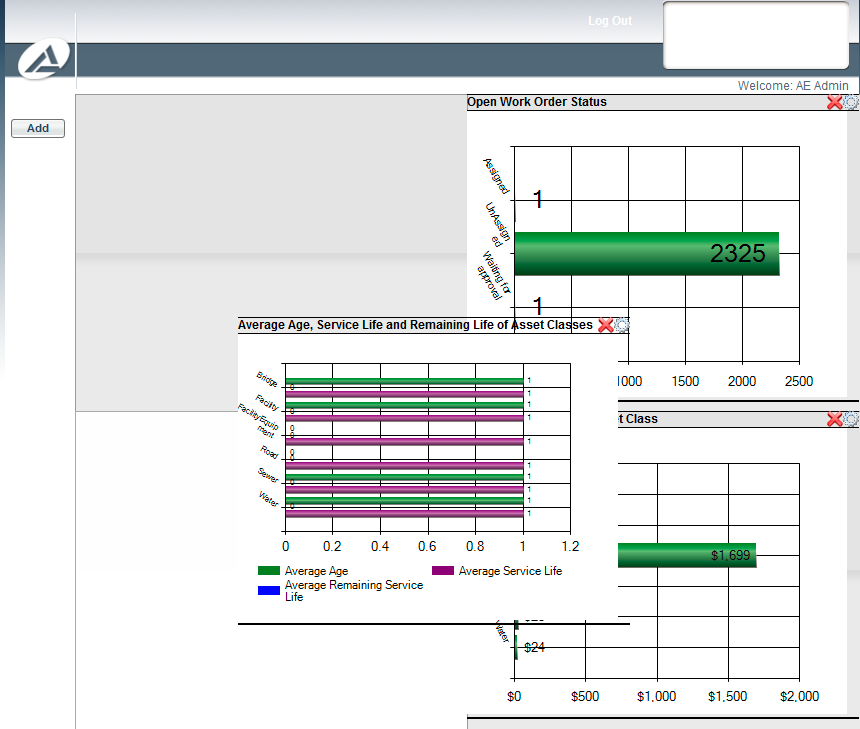
Drag and Drop
If you want to zoom in on a dashlet you can double click any of them and it will bring up the dashlet in a larger window.
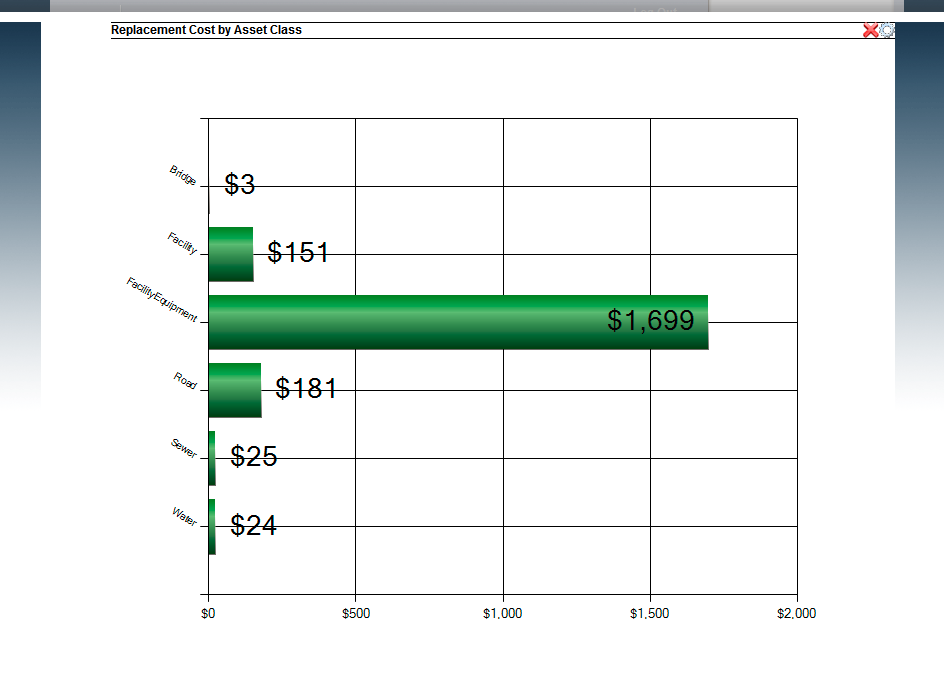
Double Click
As well once you have the dashlet in the larger view, you can manipulate how it looks with a number of options underneath.
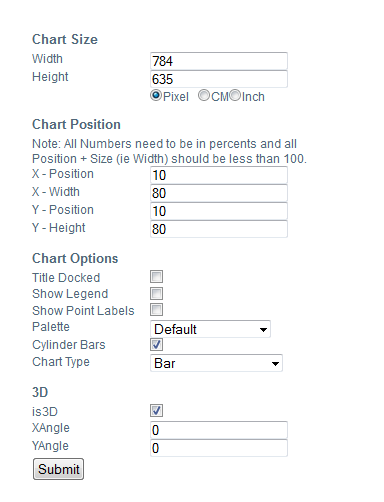
Options
Once you have made your desired changes you can click submit and it will change the appearance of the above dashlet.