
Creating a New Project
To create a new project for the asset, the ‘Create New Project for Asset’ option should be selected from the folder button. Selecting this option will result in the following dialog box.
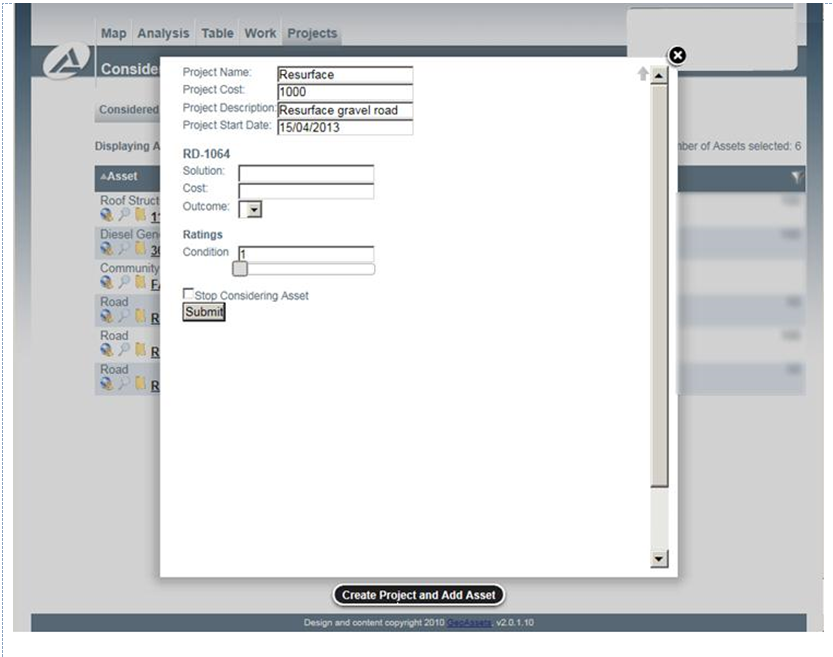
New Projects
The first four fields represent information specific to the project. The Project Name should be a short but identifiable title for the project. The description can include additional details about the project. The Project Cost represents the cost for the project that is independent of any material or asset-specific costs, for example, mobilization costs. Lastly, the Project Start Date represents the date the project is intended to begin. The remaining fields correspond to the asset-specific solution previously described.