
Login Screen
To log into the AssetNav site, type [client name].assetnav.ca into the address bar of an Internet browser.
Type the username that was provided in the ‘user name’ text box, type the password that was provided in the ‘password’ text box, and click ‘log in’.
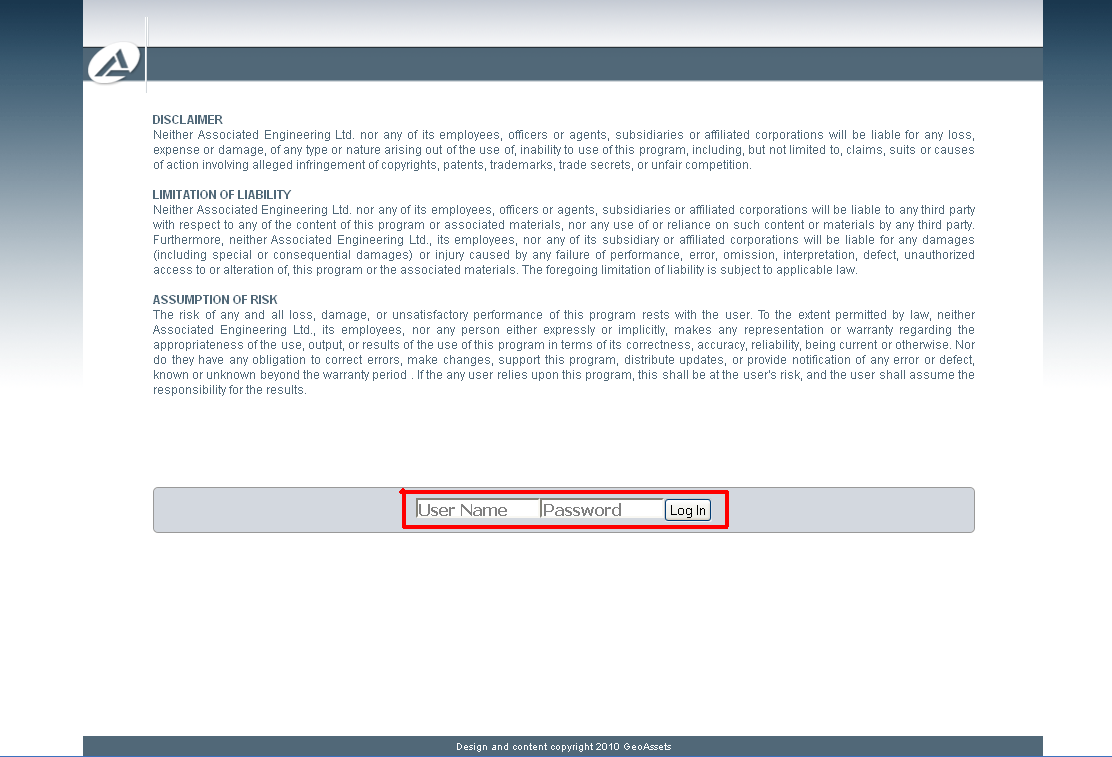
Login Screen