
Changing Users or User Issues
The admin interface allows for the creation and modification of users of the system.
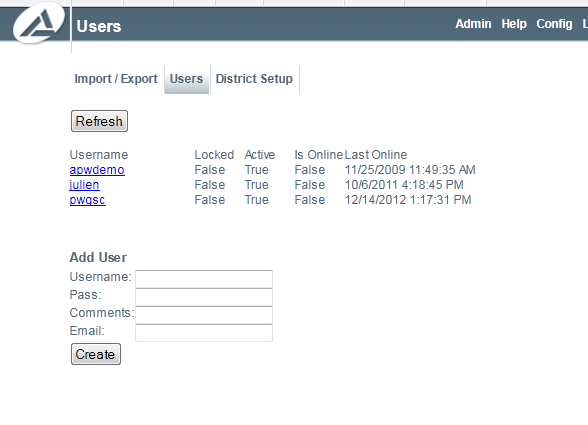
User Management
Clicking on any of the users will bring up more information and allow different actions for the users.
The info tab allows for the modification of the general information of a user.
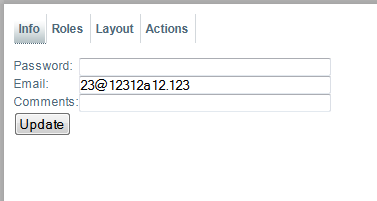
User Info
The roles tab allows for the modification of the rights the user has.
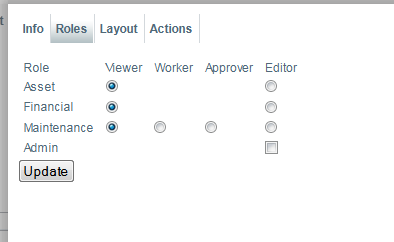
User Roles
The actions tab allows for certain actions to be performed on the user. These actions include deleting the user, making the user inactive (disabling the account) and unlock the user should the user be locked out due to too many failed logins.
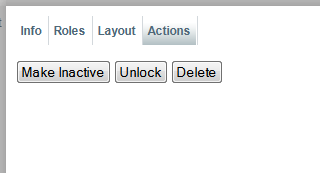
User Actions