
Considered Assets
The Considered Assets View shows assets that have been flagged for consideration for capital investments. Each considered asset is presented with the asset ID (analogous to that shown in the Table Screen in Chapter 4), the Current Replacement Cost (C.R.C.), and the asset condition.
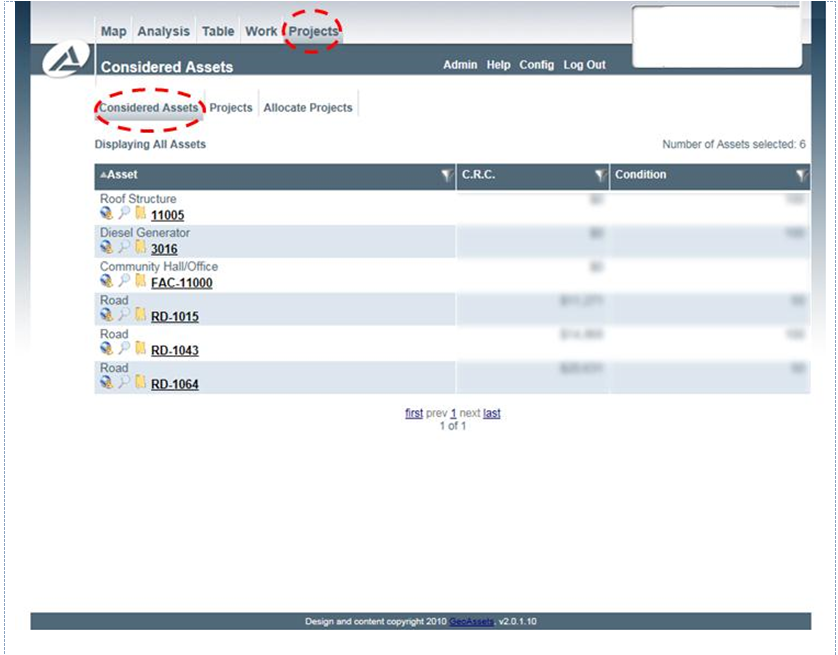
Considered Assets
While this view does not permit the user to customize the columns shown, use advanced filtering, or use advanced sorting, a variety of features are still available to the user. The asset location (if applicable) can be shown with the globe button (


From this screen, assets can be added to existing projects or projects can be made for the asset by the folder button (
