
How To: Approve a Work Report
WithinStep 1: Viewing Work Reports
From clicking the "Work"“My tab, the supervisor can select the "My Tasks"Tasks” tab which will bring up the following screen:
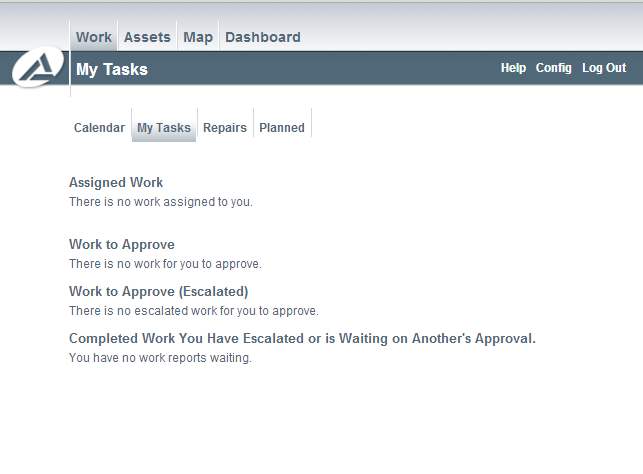
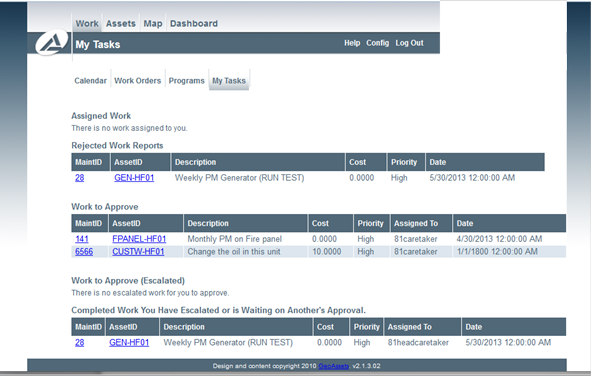
Supervisor Taks
Step 2: Approving a Work Report
Under “Work to Approve” clicking the ‘MaintID’ will pull up the following dialog box. At this stage the work order can be approved, approved and closed, approved and escalated (to manager level), edited or rejected. If the work order is rejected it is recommended that detail be provided as to why so the caretaker can correct accordingly.
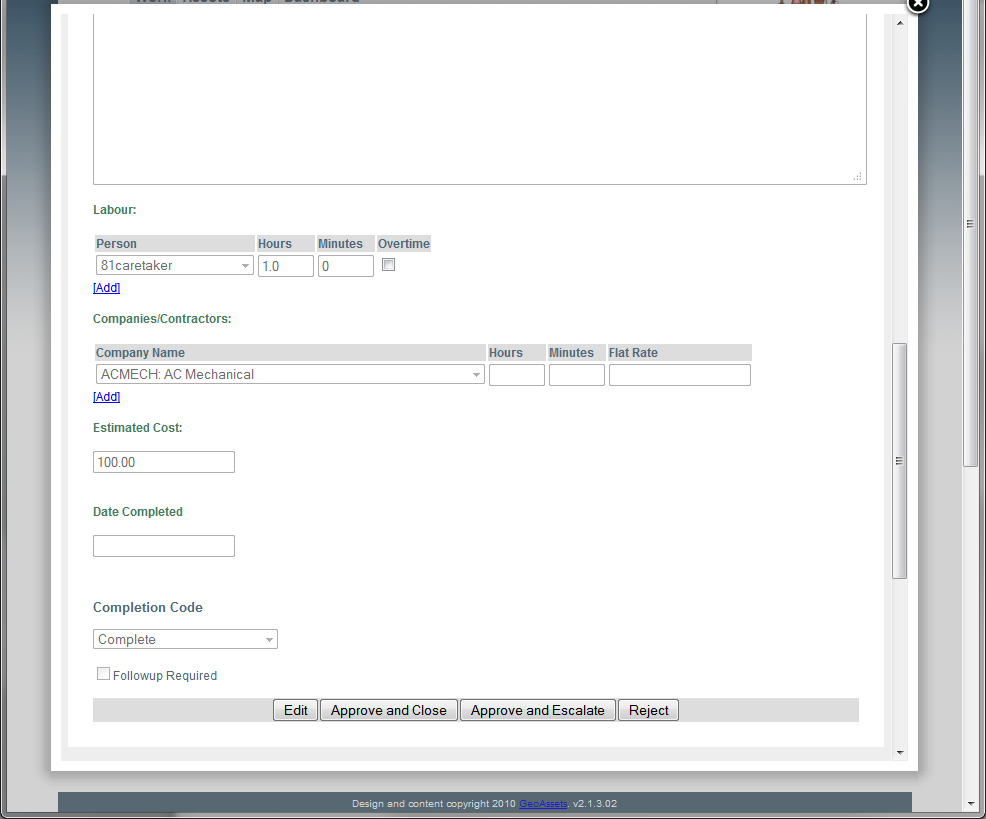
Approving a Work Report