
Calendar
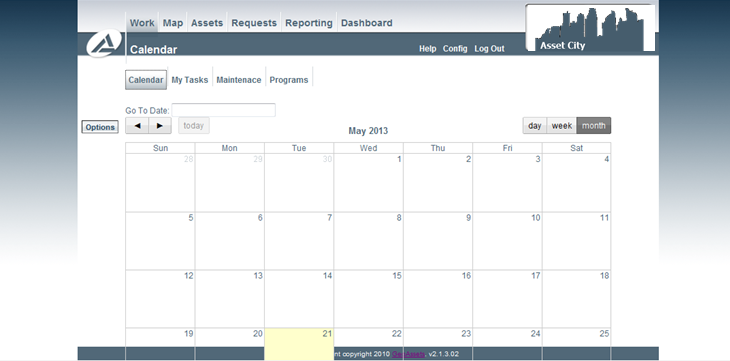
This useful tool allows the user to view their calendar to determine when and the maintenance work that has been assigned to the user.
Further the 'tasks' tab describes and lists the assigned work, and also allows the user to view completed work that is waiting on another's approval.
Using the Calendar
The calendar is a handy tool to allow one to view the overall schedule for all inspections assigned. The list can be easily sorted or filtered by month to view all inspections that are occurring in the current month, week etc. simply select the preferred view at the right side of the screen.In the current theme (Scheduled Status) indicated in the below the items highlighted in red are overdue workorders that are scheduled for maintenance within the month of June. Green highlighted items indicate future maintenance. The calendar can be printed for an easier view of current work.
For a user specified view, select your assigned user ID from the drop down menu.
There are options available to limit the number of events being viewed on the calendar. These options include being able to limit by assigned user, department, asset, and inspections and maintenance. The calendar can also be altered to view maintenance type theme.
Workflows
How to: Reschedule Maintenance