
How To: Schedule a Maintenance Request
Step 1: Creating a Maintenance Request
When creating a request, under the "Requests" tab, the user can create a new maintenance item by clicking on the folder icon and selecting ‘move to maintenance’.
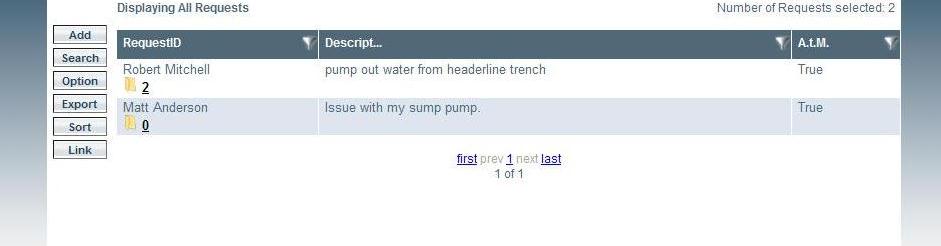
Adding a Maintenance Request
Step 2: Completing a Maintenance Request
A maintenance request can be created by clicking the ‘add’ button and the following dialog box appears; simply complete the required information and select submit. Files can also be uploaded and attached to requests.
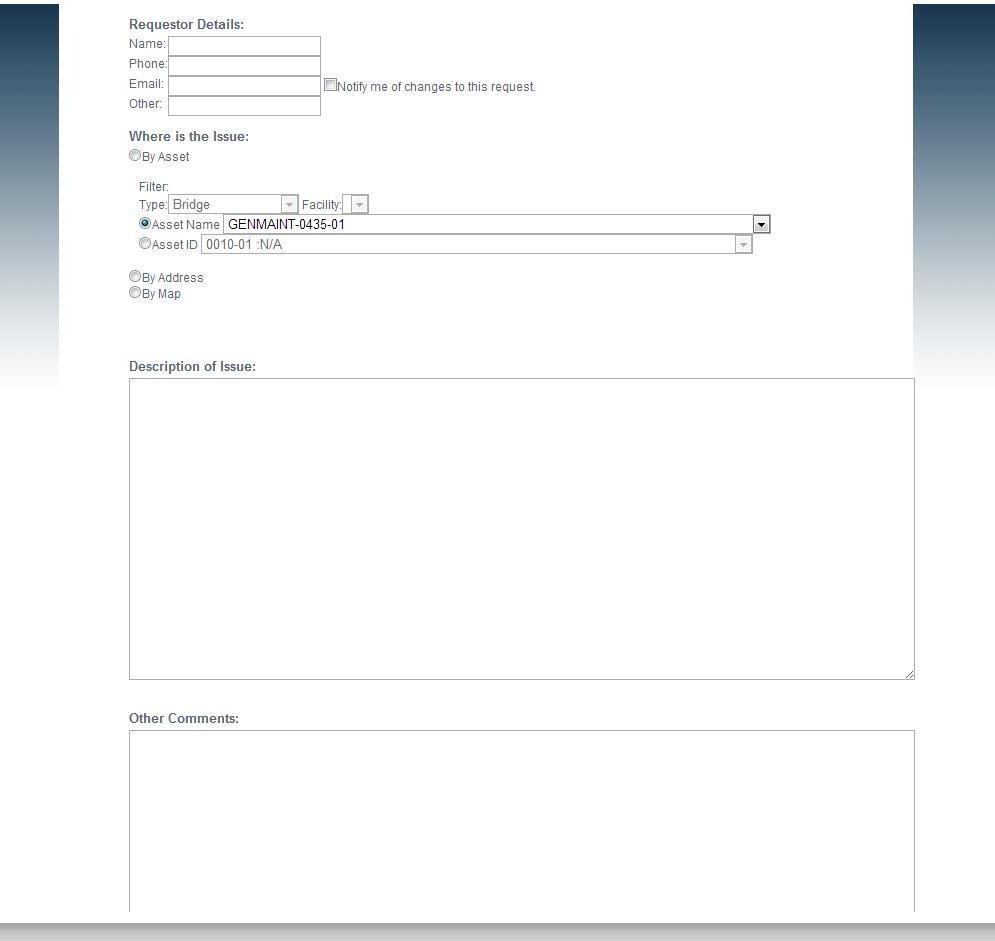
Completing a Maintenance Request