
Import
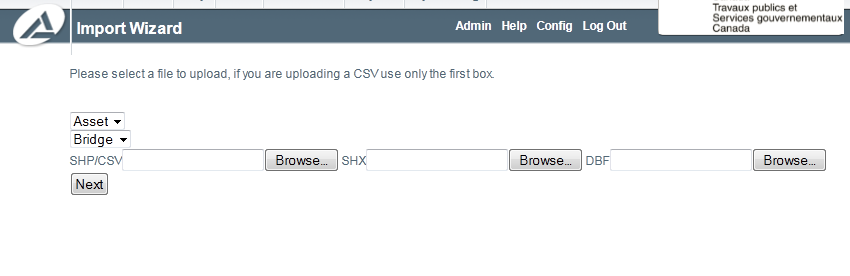
The files that are exported can also be imported to update or insert new assets.
Import
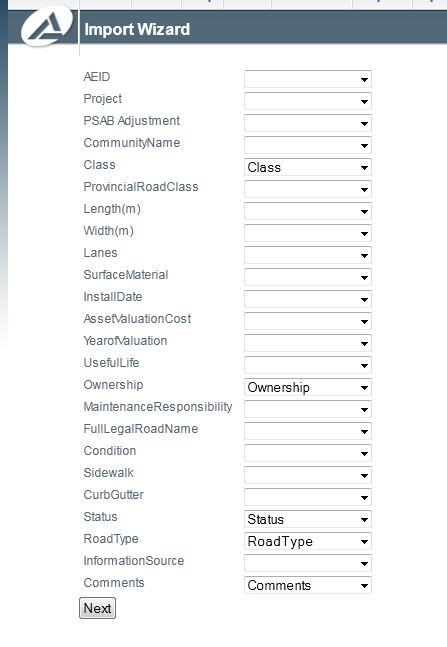
Once the files have been selected and uploaded, the next step is to map the columns the column names in the source files to the column names in AssetNav. If the file being uploaded is a CSV, the columns should match identically, however if the file is a SHP file (with accompanying SHX and DBF) the column names may be different due to limitations of the DBF file. It is recommended to do spatial changes with the SHP file(s) and non-spatial changes with the CSV file due to the SHP file limitations.
Column Mapping