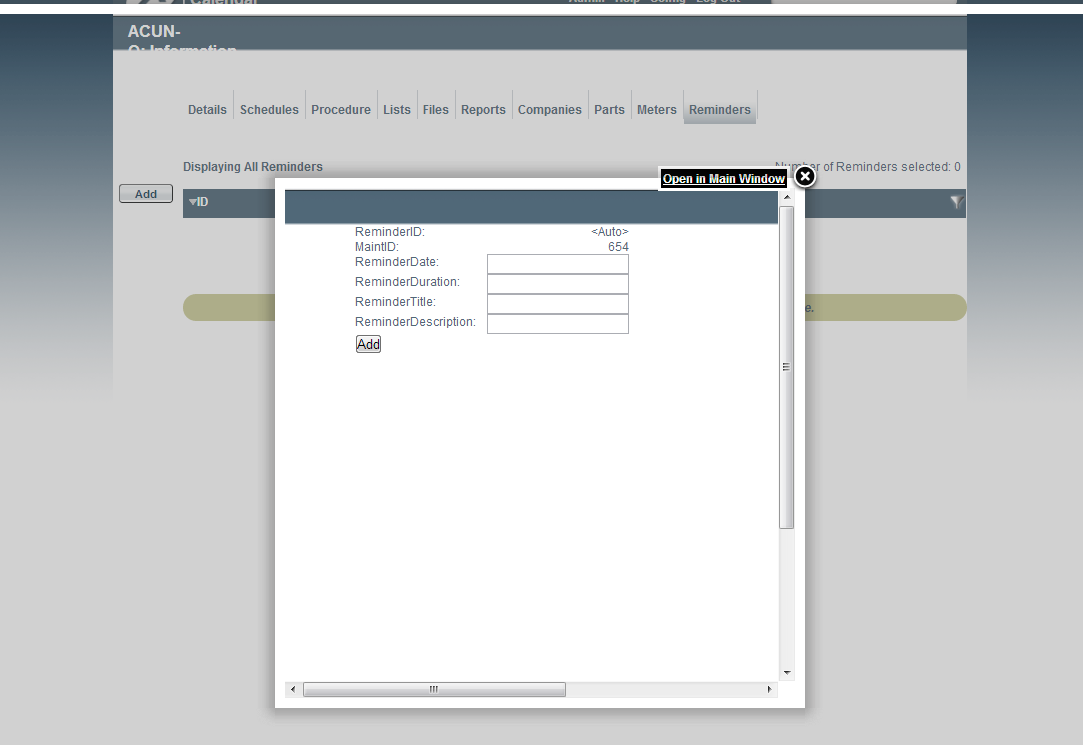
View Maintenance: Reminders - old
Step 1: Select the Maintenance Item
From the "Work" tab, calendar view right click the particular maintenance Item and select edit:

Select the Work Tab

Select the Calendar Tab
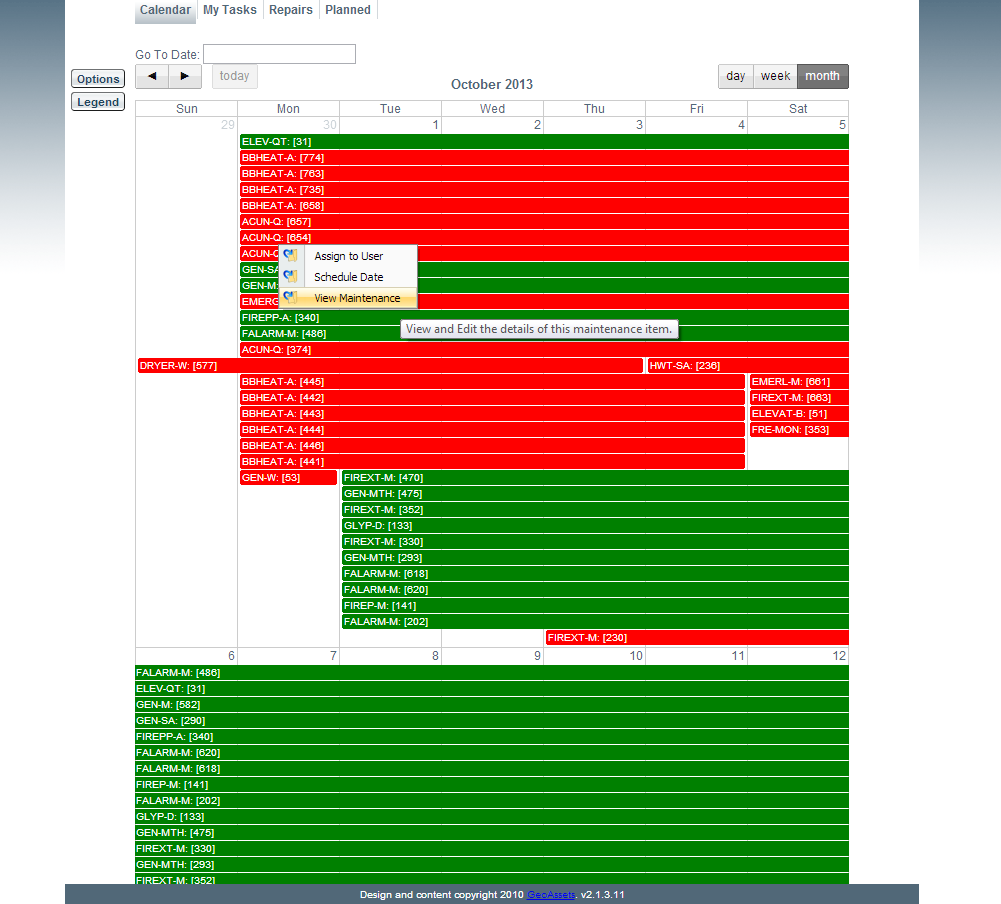
Click View Maintenance
Step 2: View and Add Reminders
From the "Reminders" tab all current saved reminders for this maintenance item can be viewed.
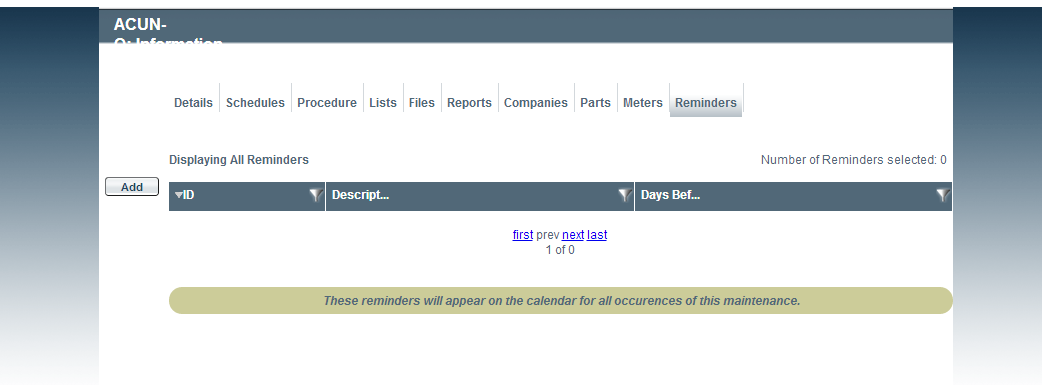
To add a reminder simply click the "Add" button on the far left of the page, and fill accordingly.